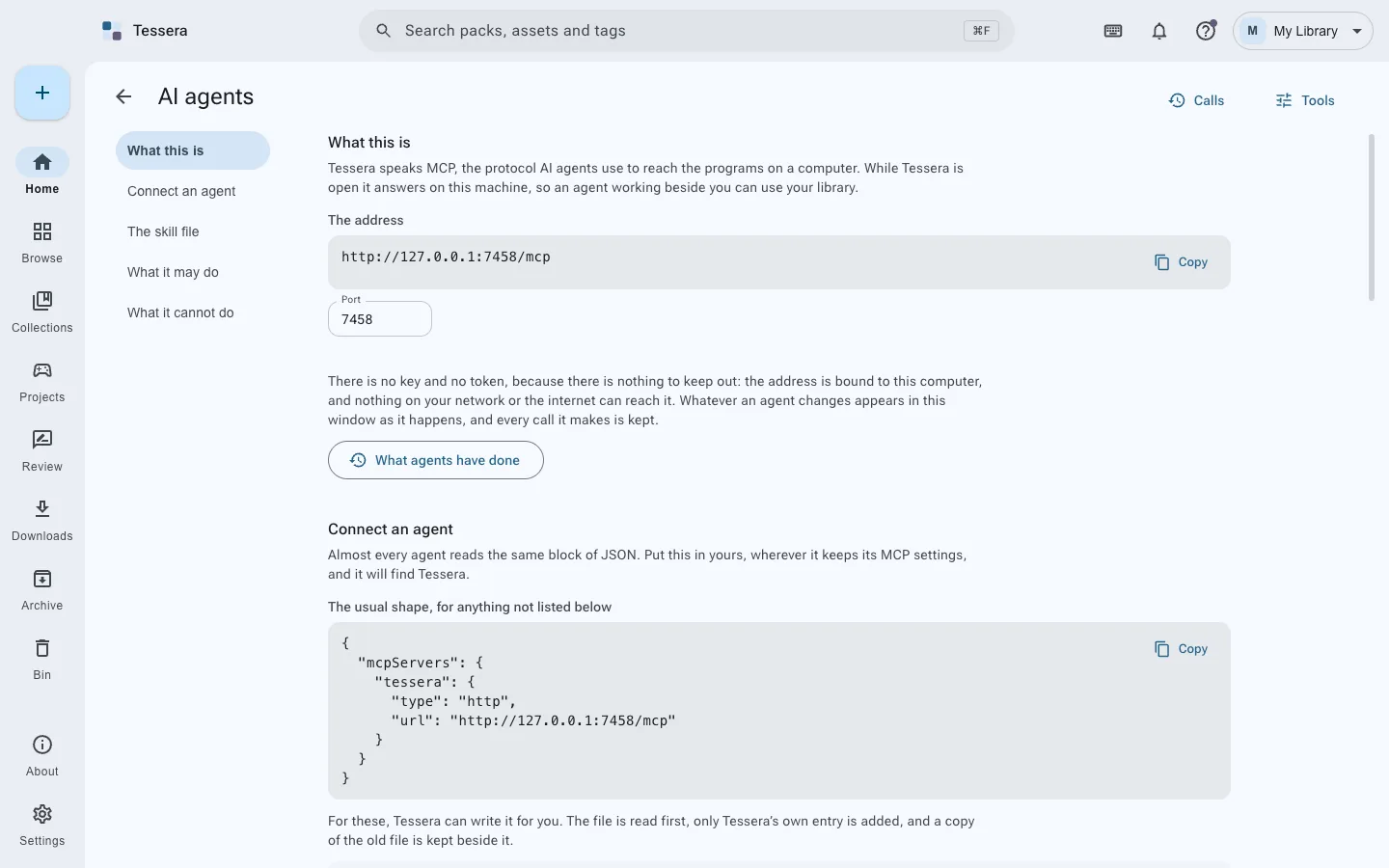
An agent that can read your asset library can answer questions that are tedious by hand. Which of my packs need crediting. What do I own that would work for a forest. Is there anything in this project whose license I never confirmed.
An agent that can also delete packs is a different proposition, and it is the same connection.
#The shape of the problem
The useful operations and the dangerous ones arrive through one door. A tool that can organize can usually also reorganize badly, and a tool that can remove something you no longer need can remove something you do.
The wrong answers are the two obvious ones: give it everything and hope, or give it nothing and lose the value.
#Groups, each with its own switch
Tessera's local MCP server splits its tools into seven groups by what they are allowed to do:
| Group | What it can do |
|---|---|
| read | Look at anything. Change nothing. |
| organize | Tags, collections, stars, the shape of things |
| link | Connect packs to games |
| bring | Copy assets into a project |
| remove | Take things out |
| system | Settings and machinery |
| danger | The operations you would regret |
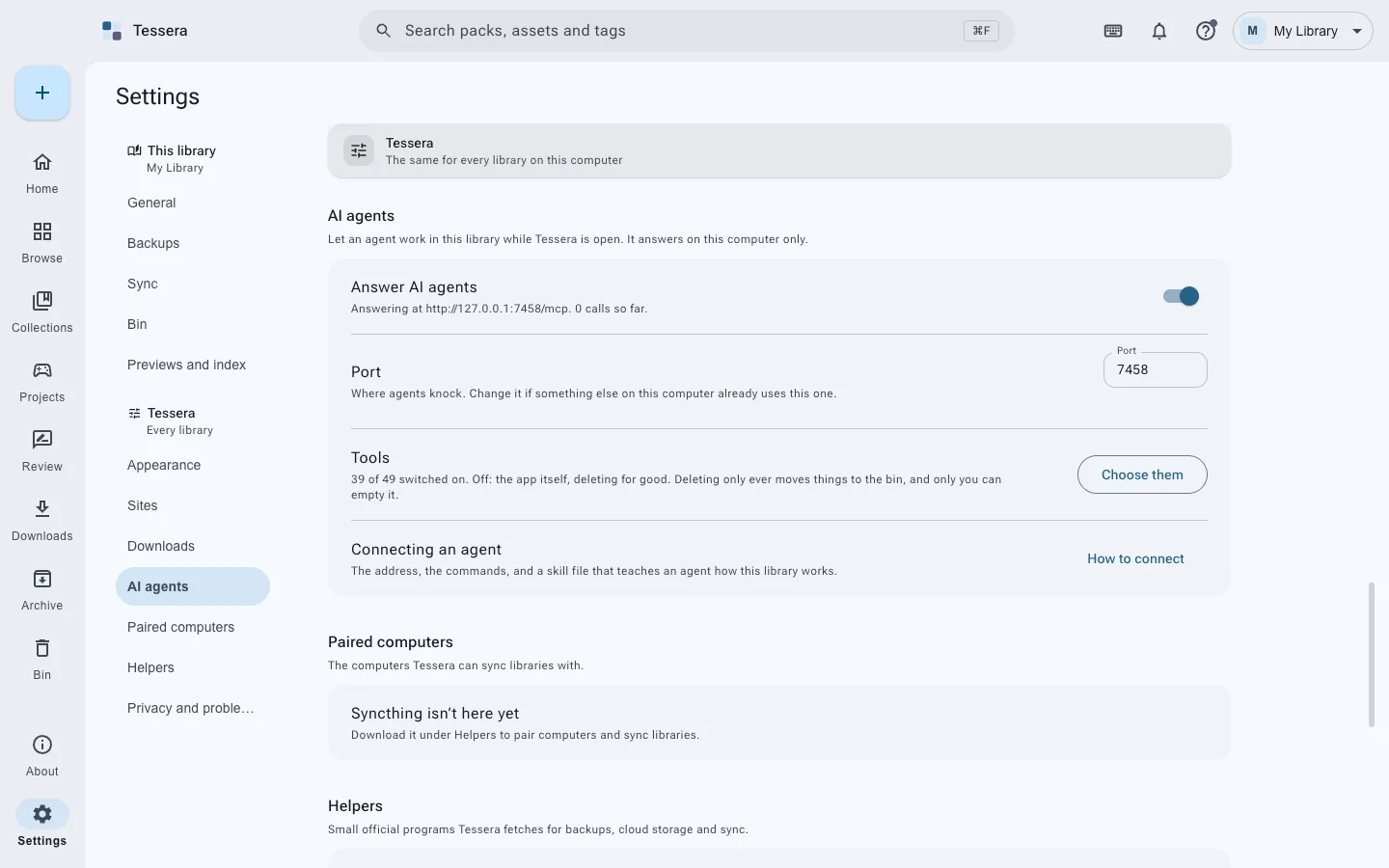
Each group has its own switch, and everything is off until you turn it on. The useful default is read on its own, which answers most of the questions worth asking and cannot alter anything.
The distinction is not decoration. A read-only agent is safe to leave connected. An agent with
remove is one you supervise.
#Local, and visible
Two things follow from Tessera being a desktop application rather than a service.
The server is local. It runs on your machine and talks to an agent running on your machine. Your library is not uploaded anywhere to be queried, and no part of this requires an account.
You can see what happened. Actions an agent takes appear in the app, like actions you take. This matters more than permissions do, because the failure mode with agents is rarely a catastrophic single act. It is a hundred small changes nobody noticed.
#What it is actually good for
The honest answer is that the read-only tools carry most of the value.
- Auditing. "List every pack in this project that requires attribution, and everything whose license I never confirmed." That second list is the one worth having and the one nobody makes by hand.
- Finding. Searching by description rather than by file name, across packs you have forgotten you own.
- Setting up a project. Given a list of what a scene needs, finding candidates from what you already have, before you go and download more.
Copying assets in is useful too, and it is worth turning on deliberately rather than by default, because it writes into your project.
#The rule worth keeping
Turn on the smallest group that does the job, and turn it off when the job is done. Not because agents are untrustworthy, but because that is how you would treat any process with write access to work you cannot easily recreate.
Install Tessera, or read AI agents.