A game asset manager for Unity
Keep every pack you own in one library, with its license on record, and copy what a Unity project needs into it with the credits written for you.
Keep every pack you own in one library, with its license on record, and copy what a Unity project needs into it with the credits written for you.
Recognized by
ProjectSettings/ProjectVersion.txt
Assets land in
Assets/ThirdParty
Models arrive as
glTF where the project can import it, FBX where it cannot
You point Tessera at the project folder once. It recognizes it by ProjectSettings/ProjectVersion.txt, and from then on the project has a page of its own listing everything that has been copied into it, grouped by the pack it came from.
Copying is always a real copy, never a link, so the project builds on a computer that has never heard of Tessera. Before anything is written you are shown what is going: how many assets and files, how big, and the exact folder they will land in. Assets are only ever copied into a game, never moved, because the library has to keep the pack whole for the record to mean anything.
Alongside the files it writes CREDITS.md, rebuilt from the record every time, with the packs that ask for credit first and the rest listed as thanks. You never write that file, and it is never out of date.
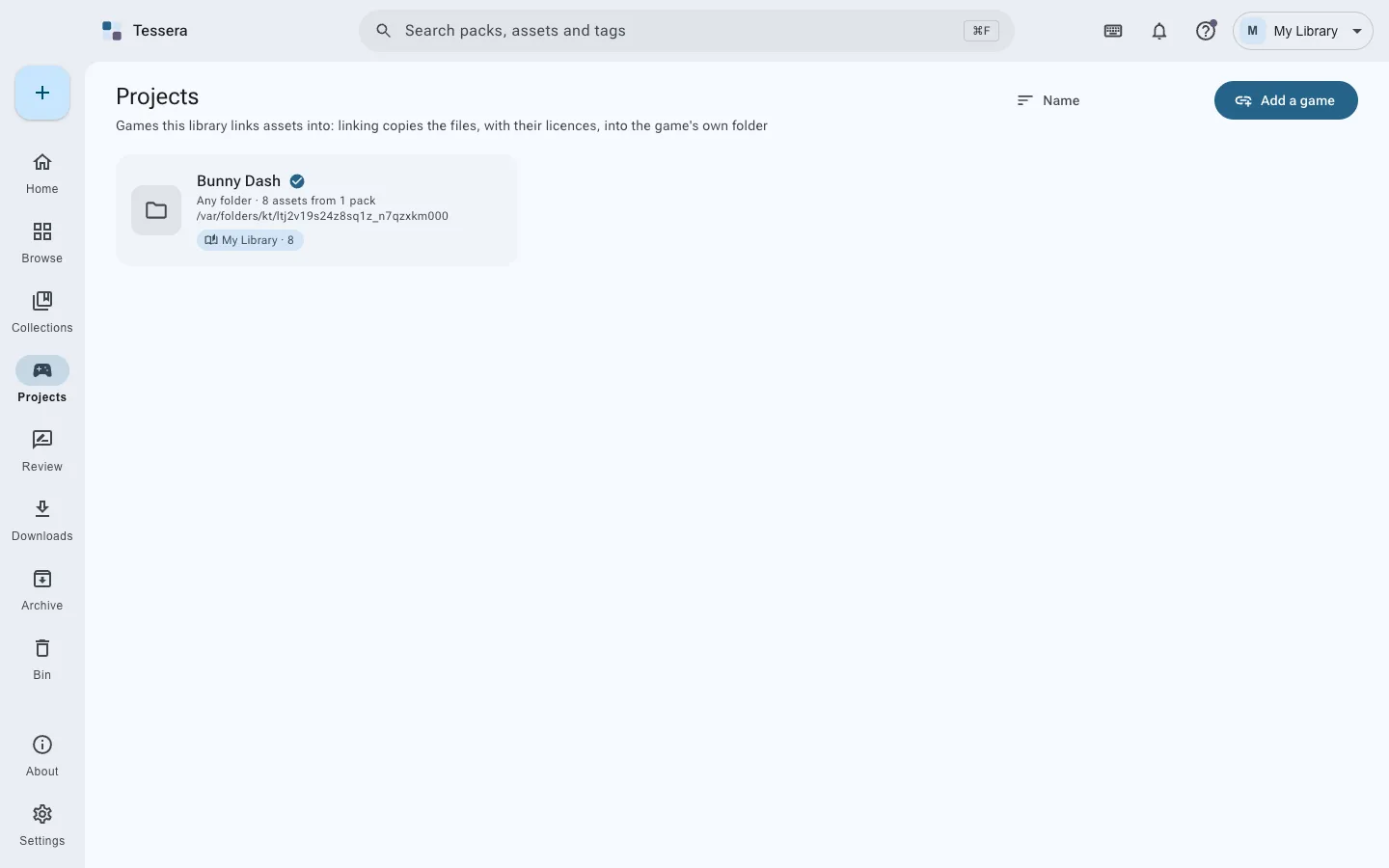
Most Unity projects are not new. Assets is already full, scenes already point at those paths, and copying the same assets in again would give you a second copy at a new path that nothing references.
So Tessera can recognize what is already there instead. Choose Find assets already here, name a folder, and it matches what it finds against your library by content rather than by name. What matches is recorded at the path the project already uses. Nothing is copied, nothing moves, no path changes, and the credits file then covers what the game actually ships.
An asset you re-exported, edited or converted will not match, because it is no longer the file the license was recorded against. That is deliberate.
No. Tessera only ever copies assets into a project, and only into the folder you chose. It never moves, renames or rewrites a file that is already there, so nothing Unity has already assigned a GUID to is touched. Recognizing assets a project already has does not move them either: it records the path the project is already using.
They are Unity’s, and Tessera leaves them alone. A newly copied asset has no .meta until Unity imports it, which happens when the editor next has focus, exactly as it would if you had dragged the file in yourself.
No. Tessera works on the project folder, so the editor can be open, closed, or not installed on that machine at all.
glTF when the project has a glTF importer, which Tessera checks for, and FBX when it does not. You are never handed a file the project cannot read.
No account, no server, no telemetry. The library is an ordinary folder you can read without it.
Also for Godot and Unreal Engine, and any other folder.