Most model packs arrive as FBX, glTF, OBJ or a blend file, and people convert more or less at random. It is worth being deliberate, because the choice affects what survives.
#What each is for
FBX is Autodesk's interchange format. It is everywhere, every tool reads it, and it carries meshes, materials, rigs and animation. It is also proprietary, binary, and its behavior across tools is not entirely predictable, particularly around units, axes and material conversion.
glTF is an open standard designed for delivery rather than authoring. It is compact, it loads fast, and it has an unambiguous PBR material model, which is the part that matters: a glTF material means the same thing in every renderer, and an FBX material does not.
OBJ carries geometry and nothing else. No animation, no rig, weak material support. Fine for a static prop, useless for a character.
#Which engine wants which
| Engine | Prefers | Why |
|---|---|---|
| Unity | FBX by default, glTF with an importer | Native FBX pipeline; glTF needs a package |
| Godot | glTF | Imports natively, no plugin |
| Unreal | FBX | Native, and its glTF support is less complete |
This is the practical constraint. Whatever you keep in your library, the project wants the format its engine imports cleanly.
#Keep the original, convert on the way out
The principle worth holding to: your library keeps what the author shipped.
Converting on import loses information, and which information depends on the tool. Once you have thrown away the original, you cannot get it back, and the pack you own is now a slightly worse version of the pack you bought.
So keep the original, whatever it is, and convert when an asset goes into a project. If the conversion turns out badly, you still have the source to try again from.
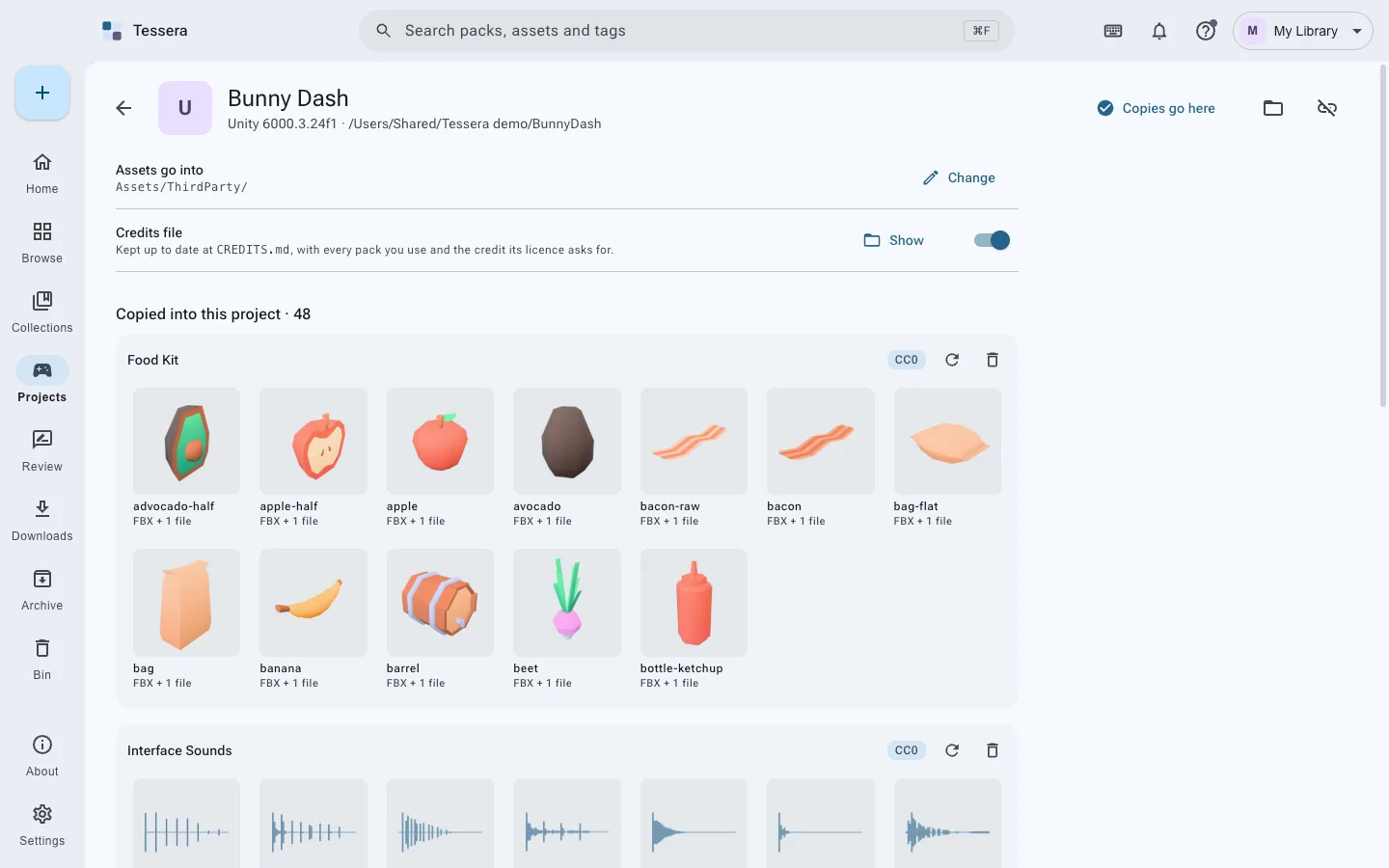
Tessera works this way: the pack is stored as it arrived, and conversion happens when you copy into a game. Unity gets glTF where the project can import it and FBX where it cannot, which Tessera checks rather than assumes. Godot gets glTF. Unreal gets FBX. Textures and materials the model depends on come with it.
#The things that actually break
Format aside, three problems cause most import trouble, and they are worth checking before blaming the format:
- Scale. Some tools work in centimeters and some in meters. A model arriving a hundred times too big or too small is nearly always this.
- Axis convention. Z-up and Y-up disagree, and the result is a model lying on its side.
- Texture paths. An FBX referencing textures by absolute path from somebody else's machine imports with no materials at all.
Install Tessera, or read games and projects, or the pages for Unity, Godot and Unreal.